
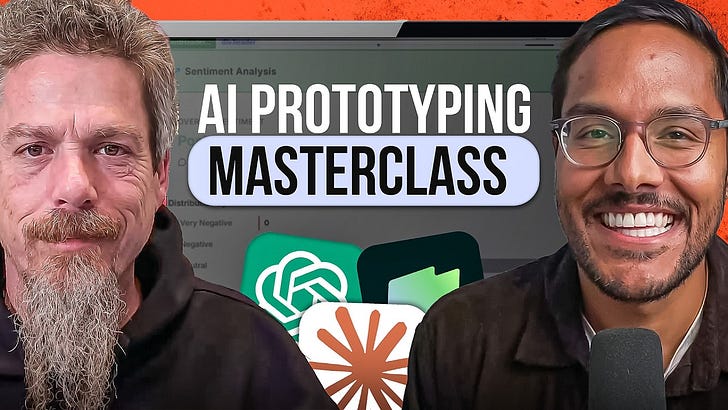
How to AI Prototype Well | Masterclass from $5.5B Founder, Nadav Abrahami (Wix)
· 1 h 16 min
Jakson kuvaus
Today’s episode
AI prototyping tools are redefining what it means to be a PM.
Bolt went from 0 to $40M ARR in 4.5 months. Lovable hit $17M ARR in 3 months. Every forward-thinking product team is starting to prototype earlier, faster, and at higher fidelity than ever before.
But most PMs are using these tools wrong.
They open Bolt or Lovable, type a vague prompt, get something that looks decent, show it around, and move on. No problem space work. No divergent solutions. No user testing. The prototype dies in a Slack thread and nothing changes.
In this episode, we built a LinkedIn sentiment analysis feature from scratch - live - to walk you through the complete workflow. From blank page to multi-page, clickable, high-fidelity prototype. We covered when to prototype, how to prompt, when to go high fidelity, and how to hand off to engineers with zero open questions.
If you watch, you’ll also learn why your PRD and prototype need to live together - and why that combination is the new standard for forward-thinking PMs.
----
Check out the conversation on Apple, Spotify and YouTube.
Brought to you by:
* Pendo: The #1 software experience management platform
* Testkube: Leading test orchestration platform
* Gamma: Turn customer feedback into product decisions with AI
* Product Faculty: Get $550 off the AI PM Certification with code AAKASH550C7
* Mobbin: Discover real-world design inspiration
----
If you want access to my AI tool stack - Dovetail, Arize, Linear, Descript, Reforge Build, DeepSky, Relay.app, Magic Patterns, Speechify, and Mobbin - grab Aakash’s bundle.
----
Key Takeaways:
1. AI prototyping doesn't replace problem space work - it accelerates solution space work. Before opening any prototyping tool, lock down the problem, the user story, and the rough shape of the solution. If you can't write all three in one paragraph, you're not ready.
2. Always start from your design system, not a blank page - Drop a screenshot of your existing product and ask the tool to recreate it. Save that as a team template. Every prototype you build from that point looks like it belongs in the product.
3. Build 3 to 4 divergent solutions before choosing one - The entire point of AI prototyping is that building a second and third version costs almost nothing now. We built two versions of the sentiment analysis feature live. Neither was perfect. Both were useful. That comparison is the point.
4. Use visual editing for fine-tuning, not prompting - Once you've picked the strongest direction, switch to direct visual editing. Move elements, match colours with the eyedropper, adjust spacing. It's faster because the result is immediate.
5. Single-page prototypes miss too much - Build the full end-to-end flow. The moment you start connecting pages, edge cases surface automatically. We found two edge cases in minutes that would have cost engineering time in sprint.
6. Prompt clarity beats prompt engineering - Any ambiguity in your prompt will get exploited statistically…
Sivusto: news.aakashg.com


