

Badges and banners for إذاعة ترتيل - ترتيل القرآن الكريم
www.radioguide.fm/internet-radio-saudi-arabia/adhat-trtyl-trtyl-alqran-alkrym
Every badge and banner links straight to the page of your station. Free to use, no account needed. Images update themselves once a day.
Put the badge on your website and get rewarded
Copy the code below to your website, for example in the footer. As long as a badge, banner or link to your station page is on your website, إذاعة ترتيل - ترتيل القرآن الكريم gets:
- a blue check next to your station in all lists on Radioguide.fm
- a higher place in the station list of your country
- detailed statistics and insight into your competition in your dashboard, free (normally part of Station Pro)

- Easiest: download our plugin below and upload it under Plugins > Add new > Upload plugin. Activate it and add the "Radioguide.fm badge" block or widget where you want it.
- Without plugin: go to Appearance > Widgets (or open the page in the editor), add a "Custom HTML" block and paste the code.
- Open the editor and click Add (+) > Embed code > Embed HTML.
- Paste the code, click Update and drag the block to your footer or "Listen" page. Then publish.
- Edit the page or footer, click an insert point and choose Code.
- Paste the code, set the type to HTML and save. Then publish.
- Edit your page, add an element and choose Widget / HTML.
- Paste the code and save.
- Paste the code in the HTML of your homepage, for example in the footer, just before </body>.
- Upload the page. That is all.
We check your website every day. Placed it just now? Use "Check now" under Website verification below.
"Listen on Radioguide.fm" badges
A small button for your website, app page or blog. Choose a style, size and language.
Proud of Radioguide
Award banners with what your station achieved on Radioguide.fm. They update themselves every day, so they always show your latest ranking.
Your banners show now
No rankings yet. Your banner says "Proud to be on Radioguide.fm" until your station has its first achievement.
Only facts from our own listening data are shown, never estimates.
Use the code to keep the banner up to date automatically, or download a fixed copy.
Banners
Banners in the standard ad sizes with your logo, name and a "Listen live" button.
Text links
A plain link works everywhere: in your menu, footer or "Listen" page. Pick the text that fits your site.
Player for your website
Visitors listen without leaving your site. The player loads only when it scrolls into view.
Want the top stations of your country on your site instead? Radio widget →
QR code
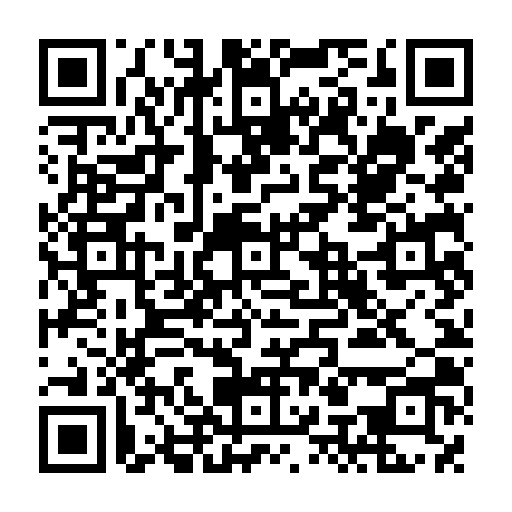
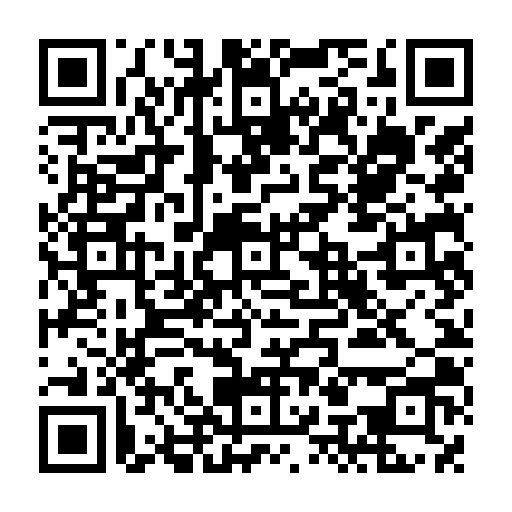
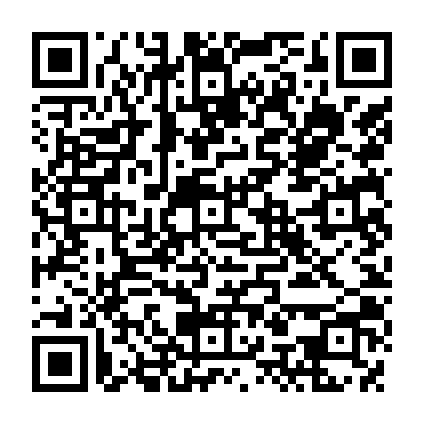
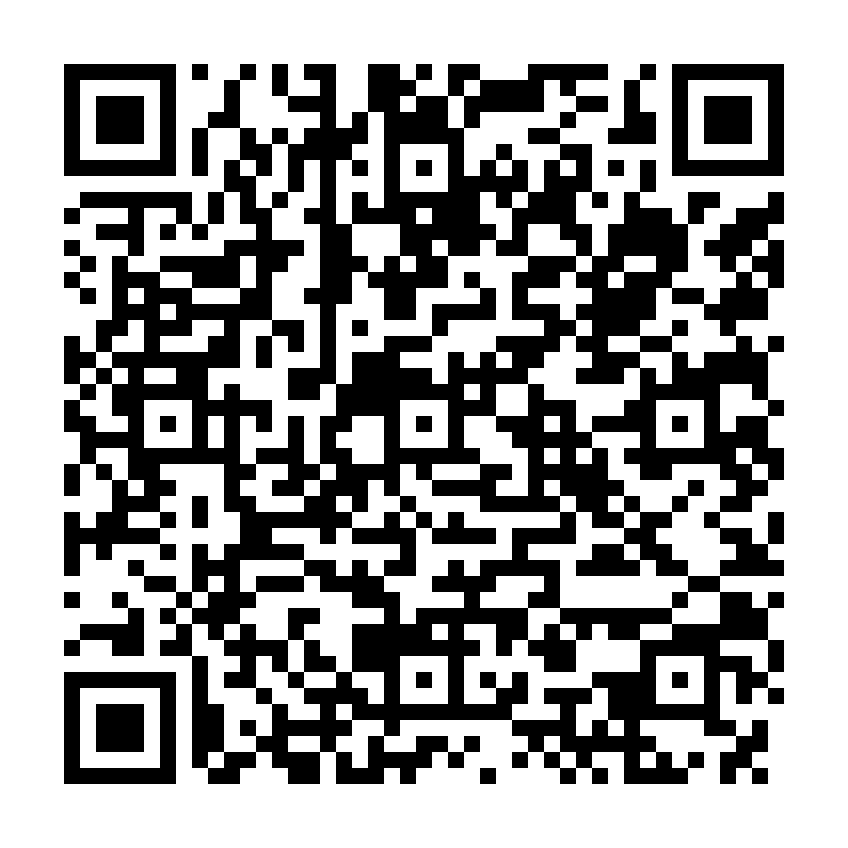
For flyers, stickers, the studio window and your car. Scanning opens your station page.
Poster (A4)
"Listen to us on Radioguide.fm" with your logo and a big QR code. Print it and hang it up.
E-mail signature
Add a small "Listen live" badge under every e-mail you send.
Paste the signature in the signature settings of Gmail, Outlook or Apple Mail.
Website verification
Show that your website belongs to this station. Your website passes when its homepage links to your Radioguide.fm page (any badge, banner or text link above), or has the verification tag below.
Is this your station? Claim it to see your verification tag and check your website. Claim this station →

Social images
Ready-made images for Instagram, Facebook, X and LinkedIn. Post them with a link to your station page.